Your menu, beautifully digital
Guests scan, browse and order from a menu that looks as good as your food. You update dishes and prices from your phone.
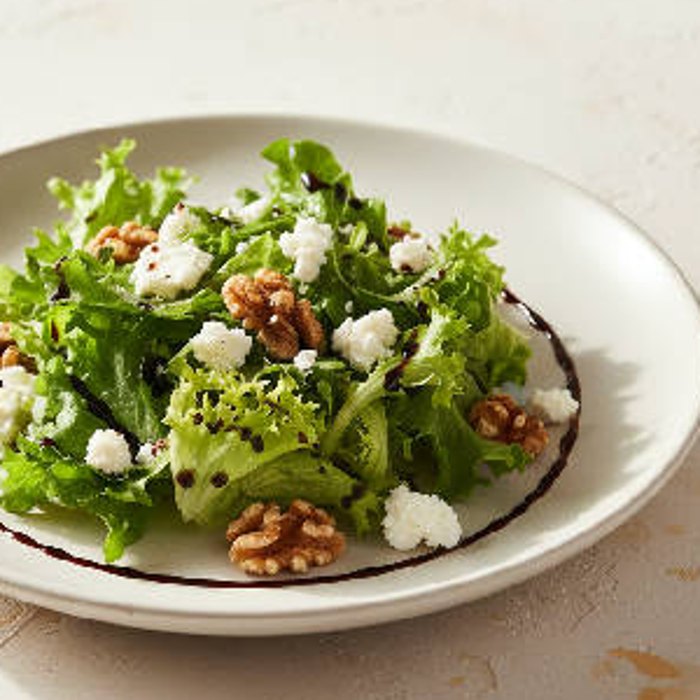
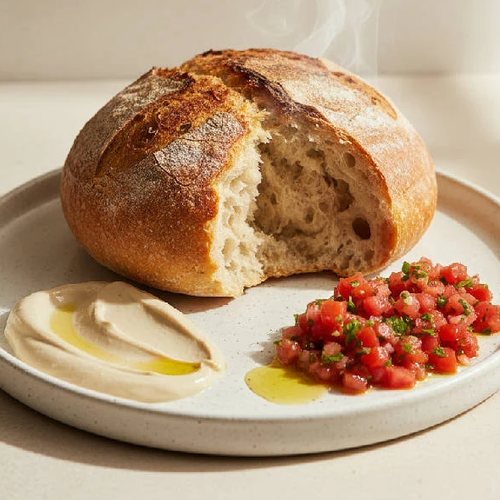
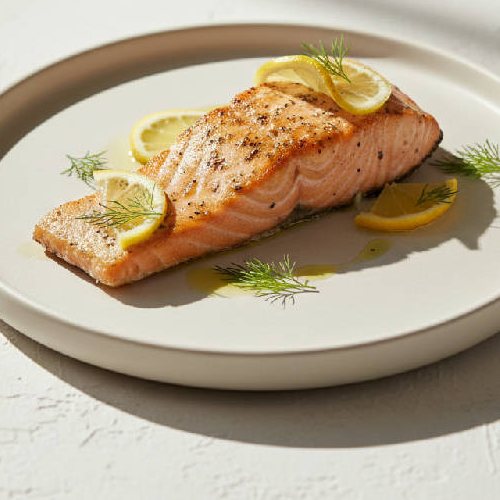

Change it here. See it there.
This is the mnu.digital dashboard. Change a price, mark a dish sold out or switch language, and watch the guest's phone update.
Olive & Salt · Menu
Dinner menu · 5 dishesMenus that make people hungry
Full-size photos, clear prices and a menu guests love to browse.
Live in
four steps
From a printed card to a live menu, usually within a day. No designer, no developer.
- 01
Photograph your menu
Snap the printed menu or send a PDF. We pull in every dish and price.
- 02
Choose a style
Match the menu to your logo, colours and fonts.
- 03
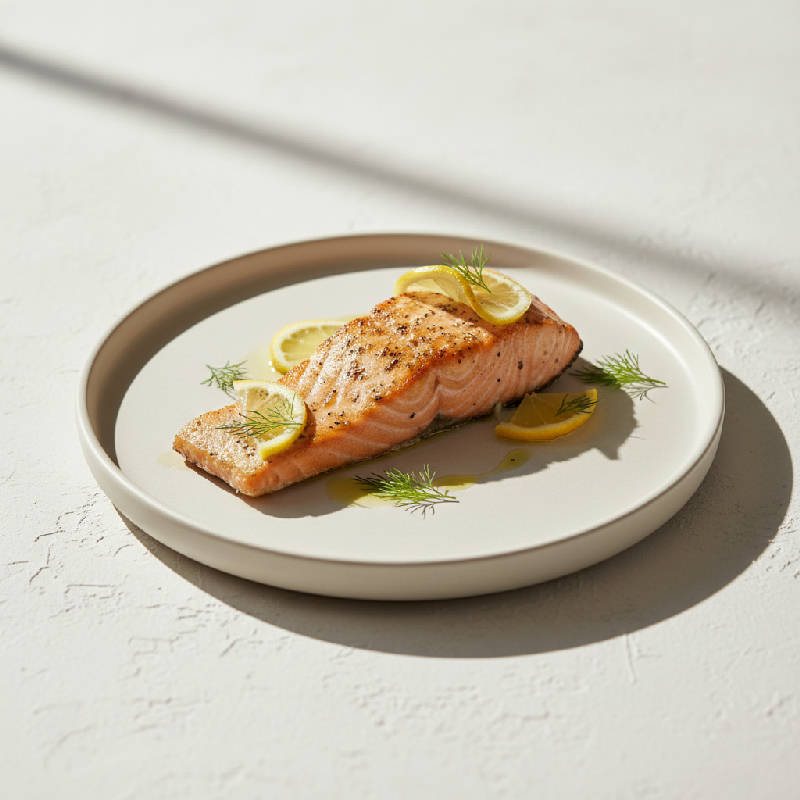
Add photos
Upload your own dish photos, or keep it text-only.
- 04
Place the QR code
Put it on the tables. Every edit is live for guests right away.
Less printing, more control
Everything a venue needs to run its menu, and nothing it doesn't.
Speaks your guest's language
English, Hebrew, Arabic and more in one menu. Guests pick their language and the layout flips right-to-left where it should.
Sold out? One tap.
Grey out a dish the moment the kitchen runs out.
One QR, forever
Print it once. The menu behind it changes as often as you like.
Allergens at a glance
Clear labels next to every dish, in every language.
Your brand, not ours
Your logo, colours and fonts, so the menu feels like part of the room.
Turn your menu digital in minutes.
Try everything free for 7 days. Then one simple plan at $39 a month.
- All features from day one
- Cancel anytime before day 7, pay nothing
- Live in under 24 hours
Free trial
Start hereFull access while you set up and test.
- TodaySign up, add your card and build your menu
- Days 1–7Take real orders, print your QR codes
- Day 7First charge of $39, then monthly
mnu.digital Pro
One planEverything included, per venue.
- Unlimited dishes, photos and views
- Table and takeaway ordering
- QR codes for every table
- AI dish descriptions, 1,000 a month
Questions, answered
Can't find what you're looking for? We're happy to walk you through it.
Ask us anything01What is MNU?
MNU is a platform for creating and managing smart digital menus for restaurants, cafés, bars and hotels. You update dishes, prices and photos from your phone, guests scan a QR code to see the menu, and they can order from the table or for takeaway.
02How do you display the digital menu to customers?
It's simple and convenient. After creating your menu, you receive a direct link and a unique QR code. You can place the QR code at your business entrance, on tables, or at the register, allowing customers to scan it and view the menu instantly on their phones. You can also print a QR code for every table, so orders arrive with the table number, and share the link on WhatsApp, Instagram, Facebook, your website or anywhere else.
03Do customers need to download an app?
No. The menu opens directly in the browser via a link or QR code, with no installation or registration required.
04I already have a printed, digital, or sign menu and don't want to enter everything again. What should I do?
Simple and easy. Just take a photo or upload an image or PDF of your existing menu, or paste its text. The system uses AI to read it and turn it into a ready-to-use digital menu, with categories, dishes, descriptions and prices. From there you can edit anything, add your own photos, or create dish photos with AI.
05Do I need design knowledge to create a digital menu in MNU?
No. Choose one of the ready-made styles, such as Classic, Modern, Dark, Rustic, Elegant or Fresh, then add your logo and cover photo, pick a font and set your brand colors. You see every change live before guests do.
06Can I set the system language and the digital menu language?
Yes. The management dashboard is available in many languages, English by default. Your menu has its own main language, and AI can translate it into up to 12 more languages, so guests switch language with one tap. Right-to-left languages such as Hebrew and Arabic are fully supported.
07Can I track menu visitors for advertising and marketing purposes?
Yes. In the Marketing section you can add your Meta (Facebook and Instagram) Pixel, Google tags (Google Ads, Analytics or Tag Manager) and TikTok Pixel, and show a pop-up message to guests. The Analytics section shows live viewers, views, your most viewed and most ordered dishes, and your busiest hours.
08How much does it cost, and is there a free trial?
One simple plan: $39 a month for one venue, with everything included. Every new account starts with a 7-day free trial. You set up payment with PayPal when you start, nothing is charged for 7 days, and if you cancel before the trial ends you pay nothing. You can also see your own menu as a digital menu before signing up, free, on our try-it page.
09Can I cancel my subscription?
Yes, anytime and with no commitment. Cancel from your PayPal account, or from Manage billing in your dashboard. Your menu stays online until the end of the period you already paid for.
10Is payment in MNU secure?
Yes. All payments are processed by PayPal, one of the most secure and widely used payment platforms in the world. You can pay with a debit or credit card, with no PayPal account needed, or with your PayPal account. Your card details are never stored in our system.
See your own menu on mnu.digital
Create your digital menu in minutes. Free for 7 days, then $39 a month.